


Powerful pool service time tracking software for managing crews, jobs, and payroll. Designed for growing pool service businesses.
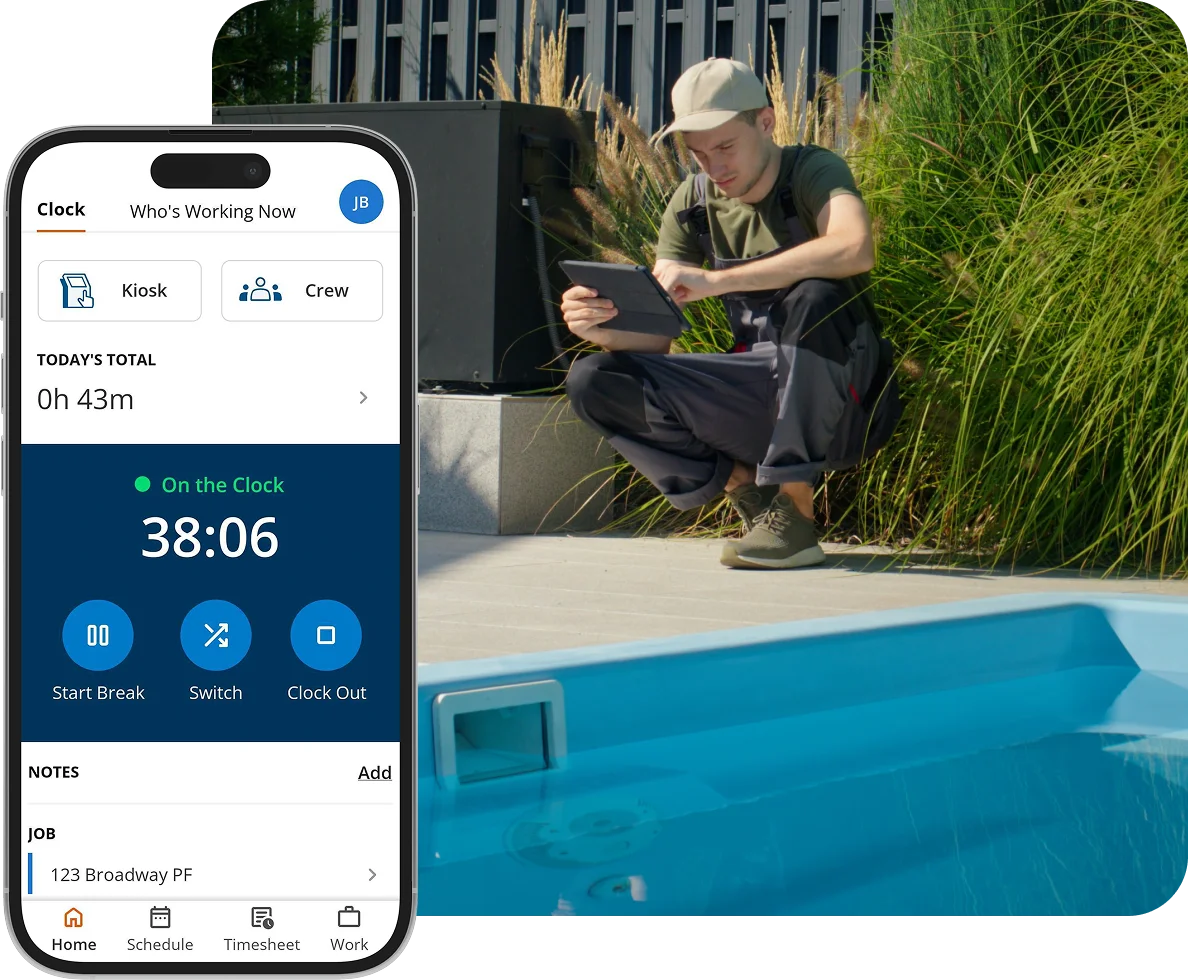
Trusted by more than 9,500 companies and over 100,000 field service and construction professionals worldwide.







Pool service management software helps you run daily operations more efficiently by giving you visibility into your crew, jobs, and labor costs. It replaces manual tracking with real-time data, making it easier to manage technicians, improve accountability, and make informed decisions as your business grows.
No credit card required.
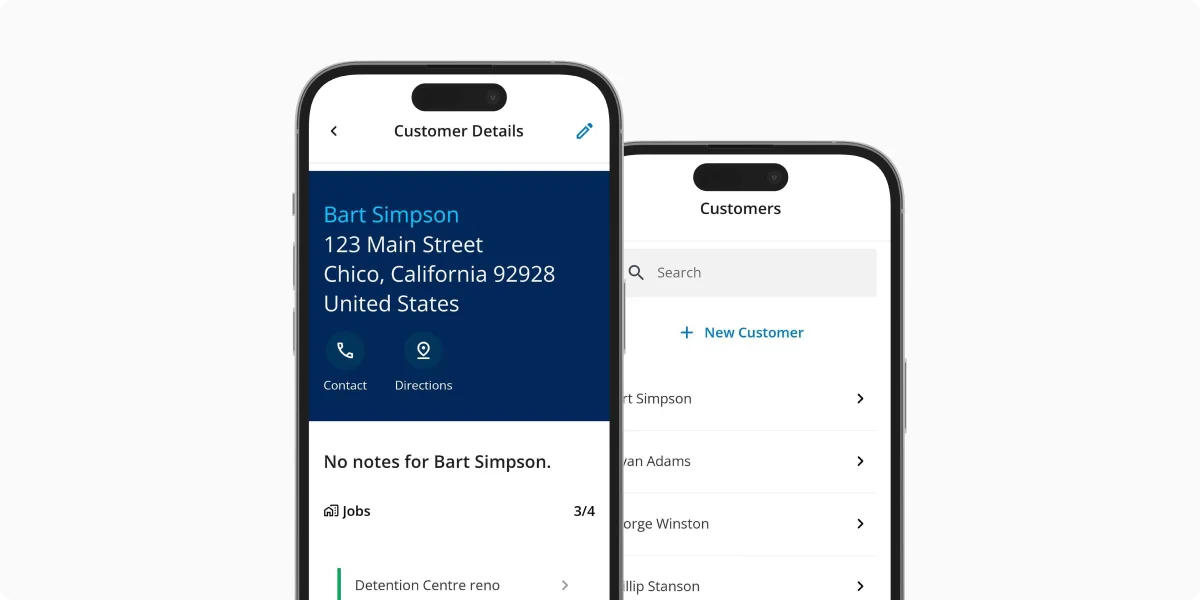
ClockShark isn’t just a time clock. It’s a practical job management tool that supports growth by giving you better data, tighter controls, and less admin work.
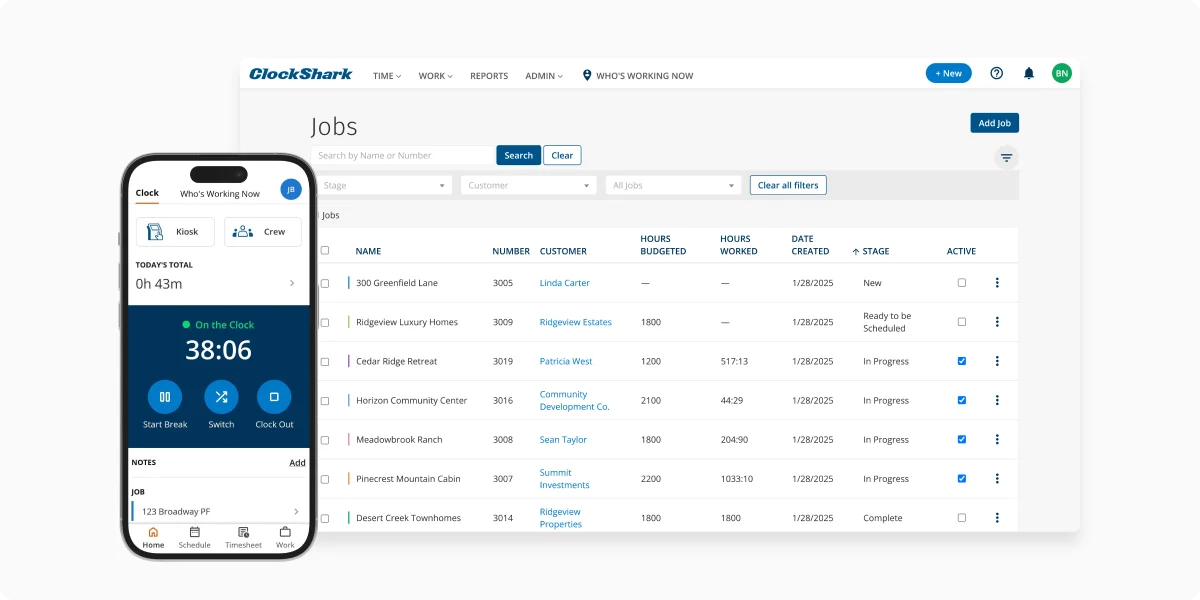
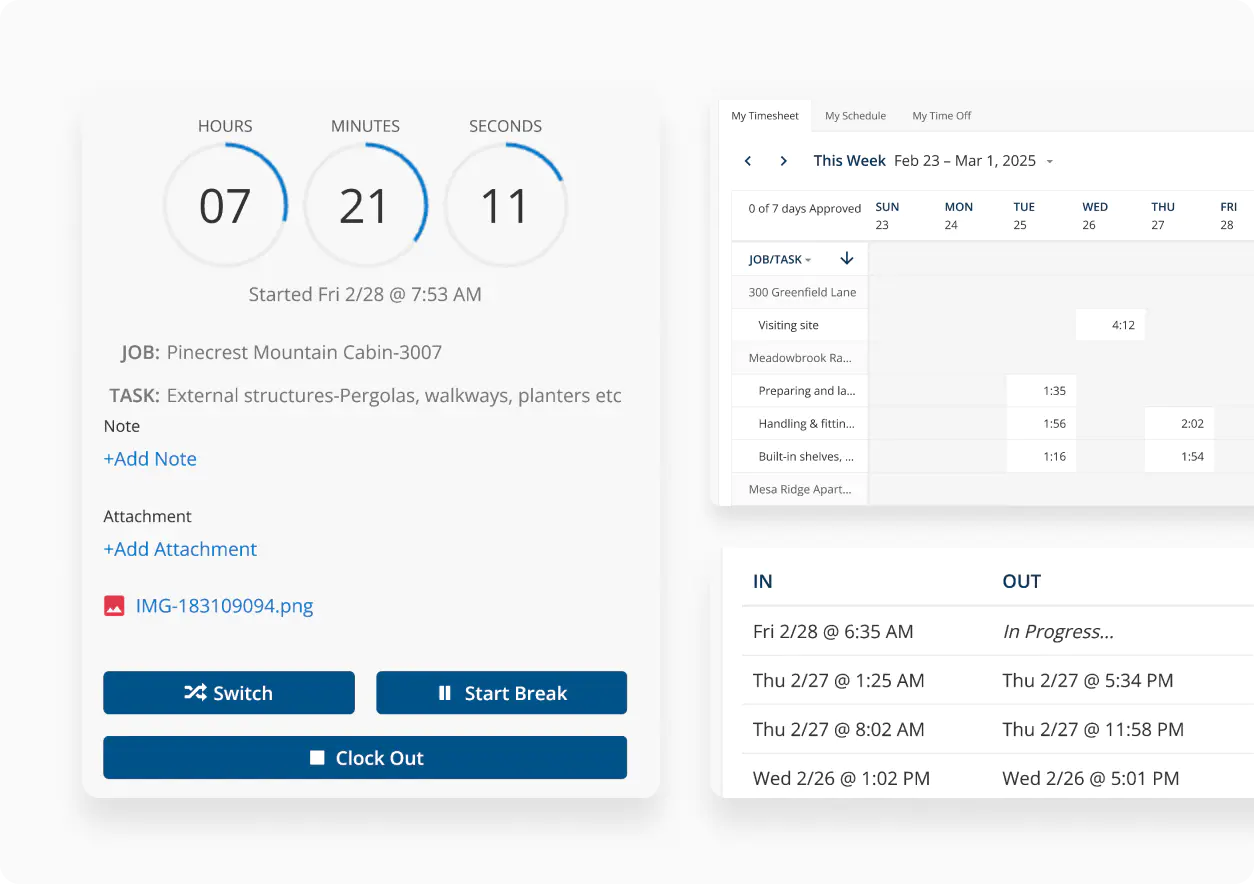
Your team can clock in from their phones, while managers can review hours, schedules, and reports from the office or on the go. Whether you manage five technicians or fifty, everyone stays connected.
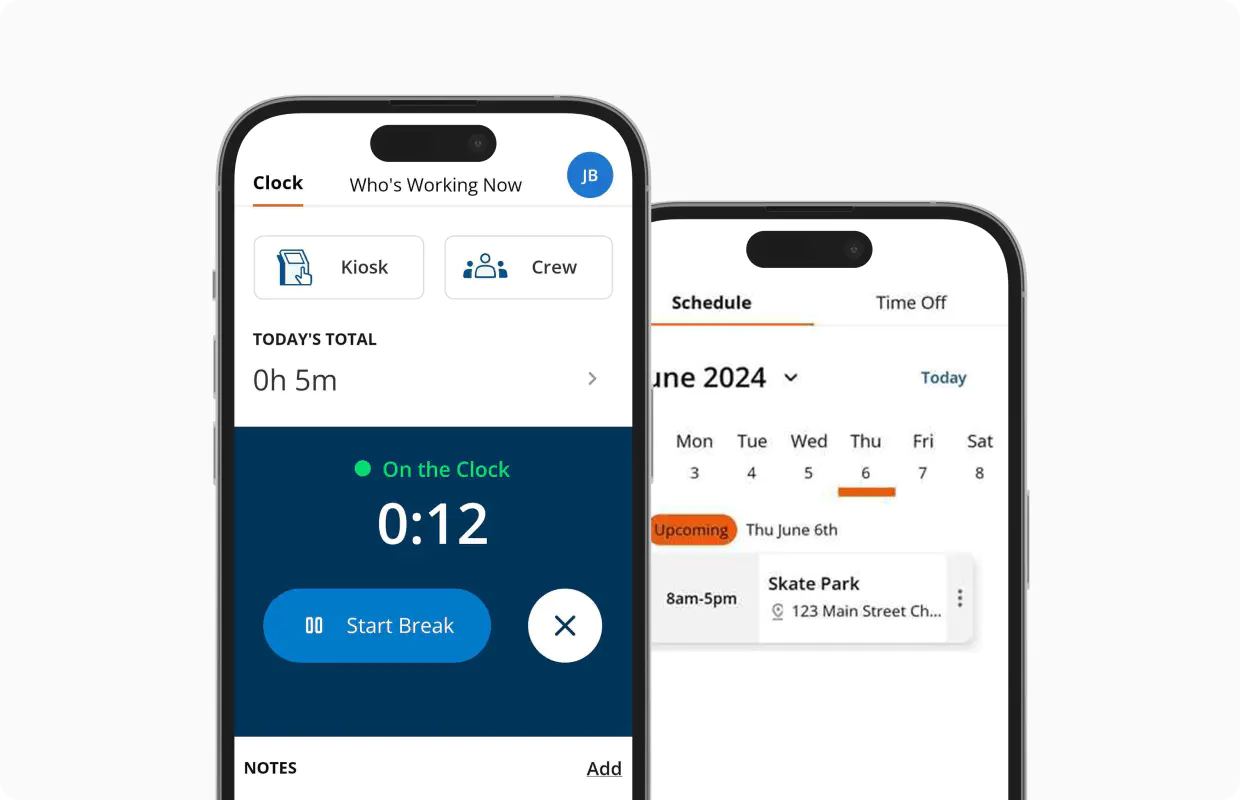
With digital time tracking software, hours are recorded as work happens, not remembered days later. This reduces errors, prevents time theft, and ensures technicians are paid correctly for every job.
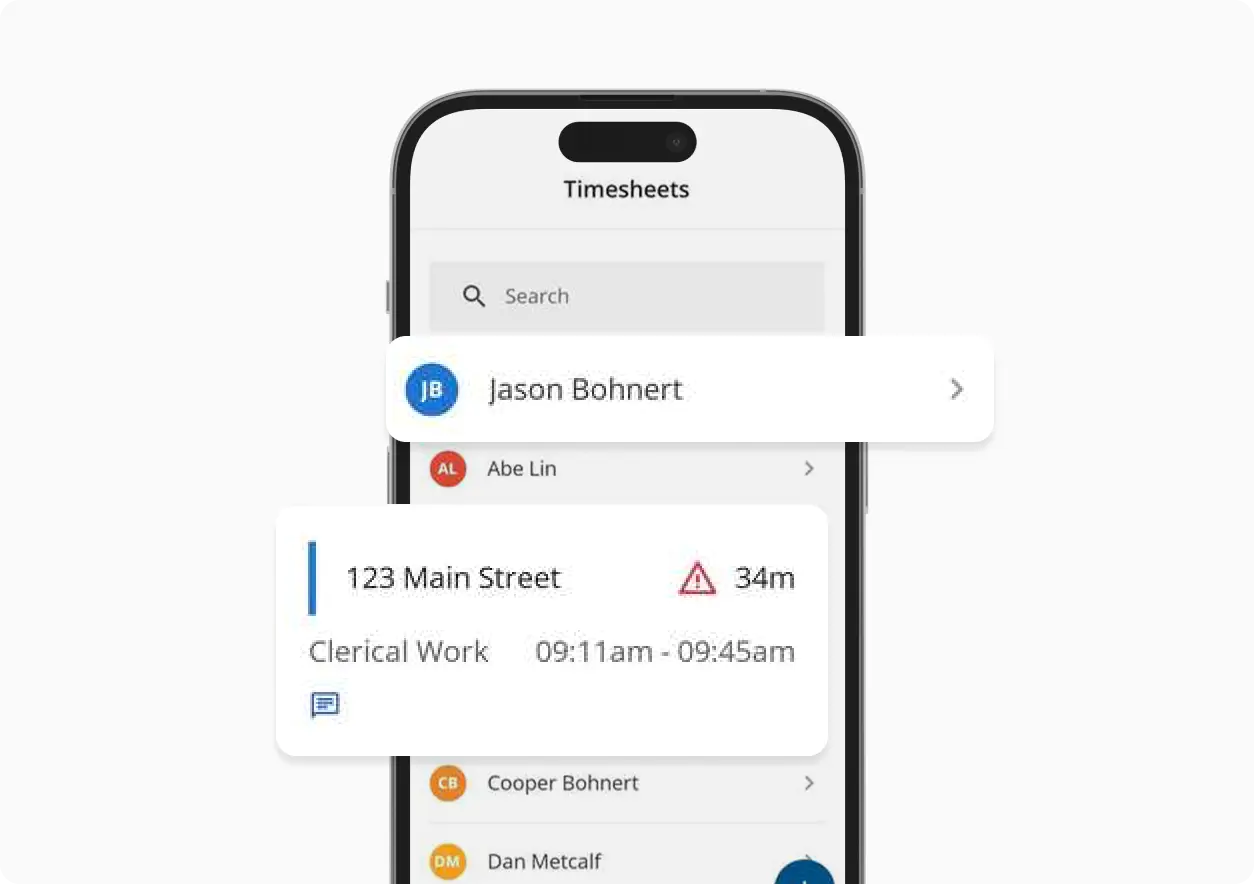
Labor compliance matters, even for small pool service companies. ClockShark helps maintain accurate records for hours worked, breaks, and overtime, giving you confidence if questions ever arise.
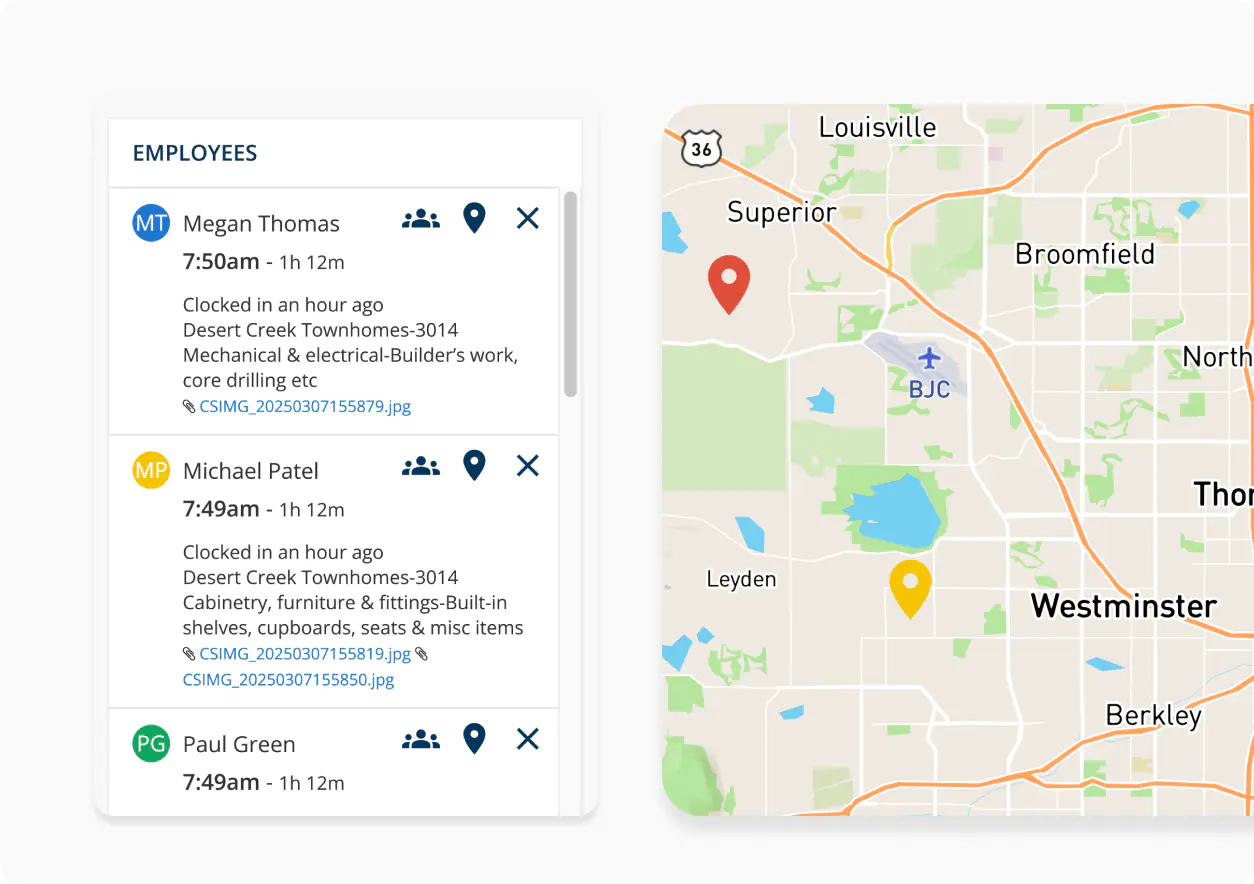
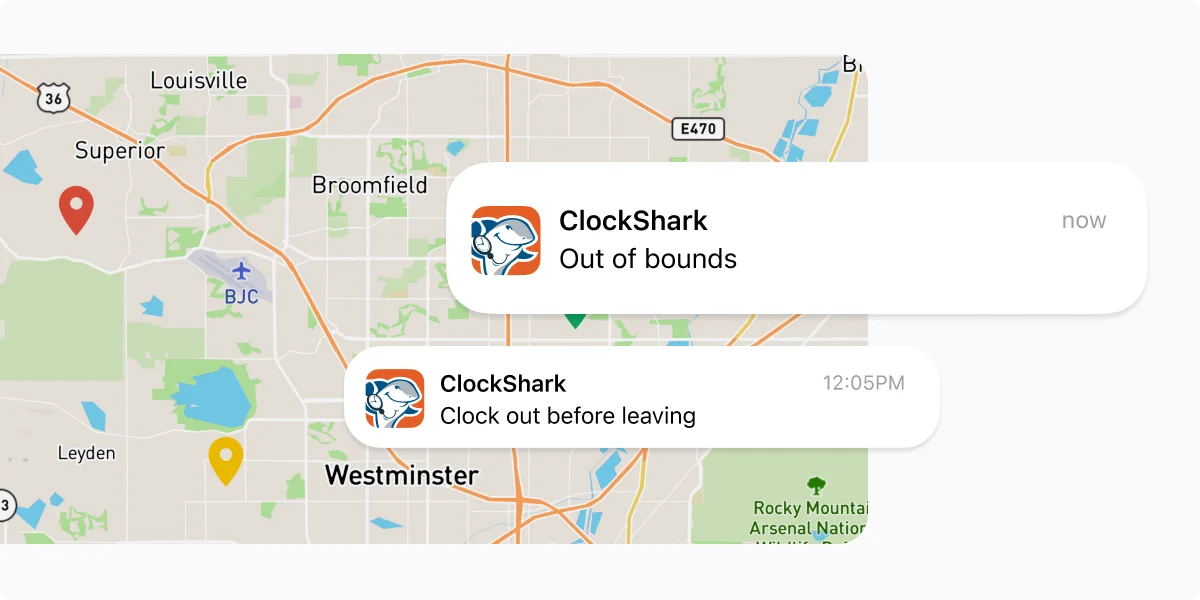
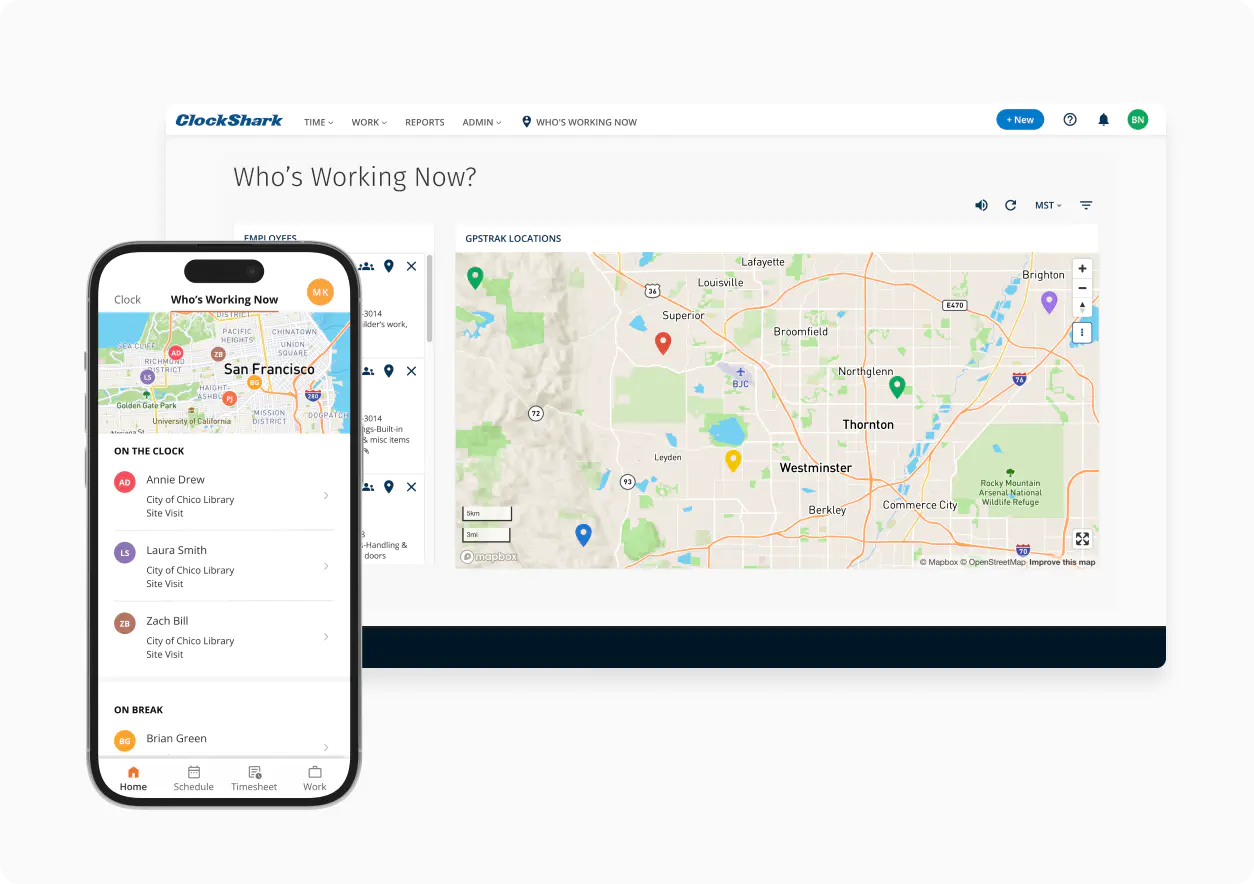
GPS-enabled time tracking shows where employees clock in and out. This helps confirm job visits and provide transparency for both managers and technicians.
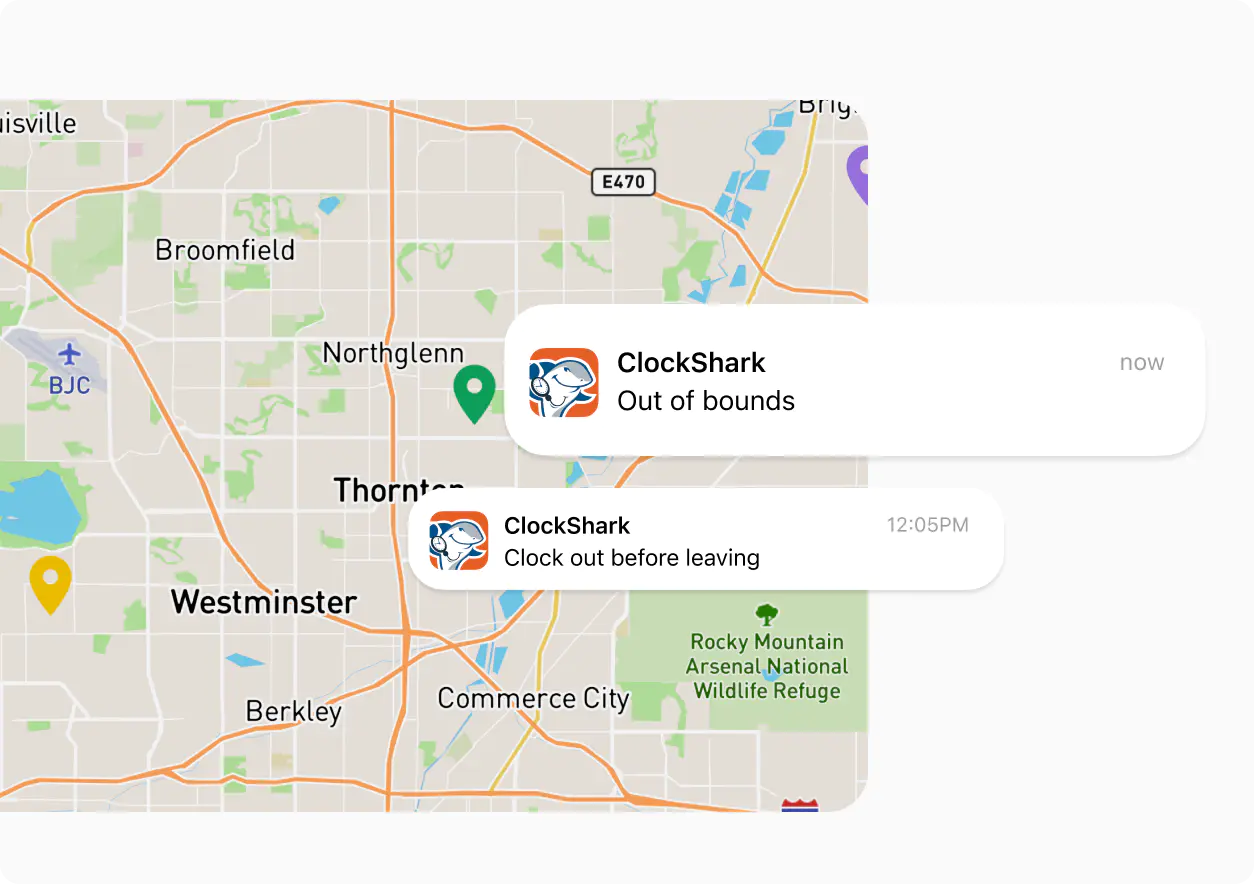
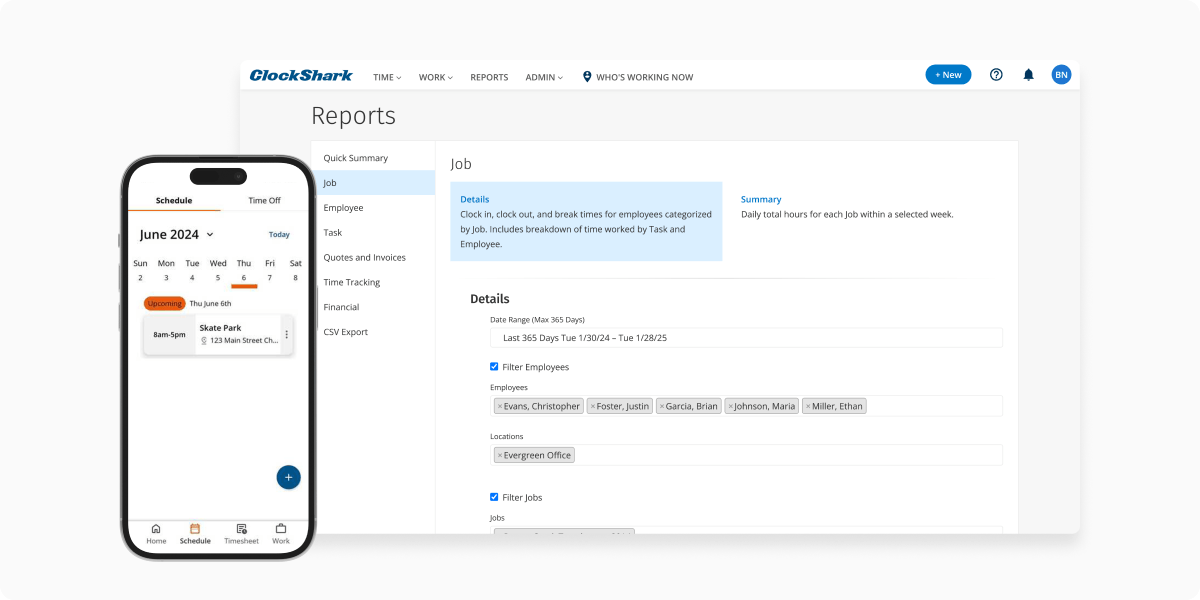
Instead of reacting after payroll is processed, you can monitor labor costs as jobs are completed. This enhanced time reporting visibility helps you protect margins and make adjustments before small issues become expensive ones.
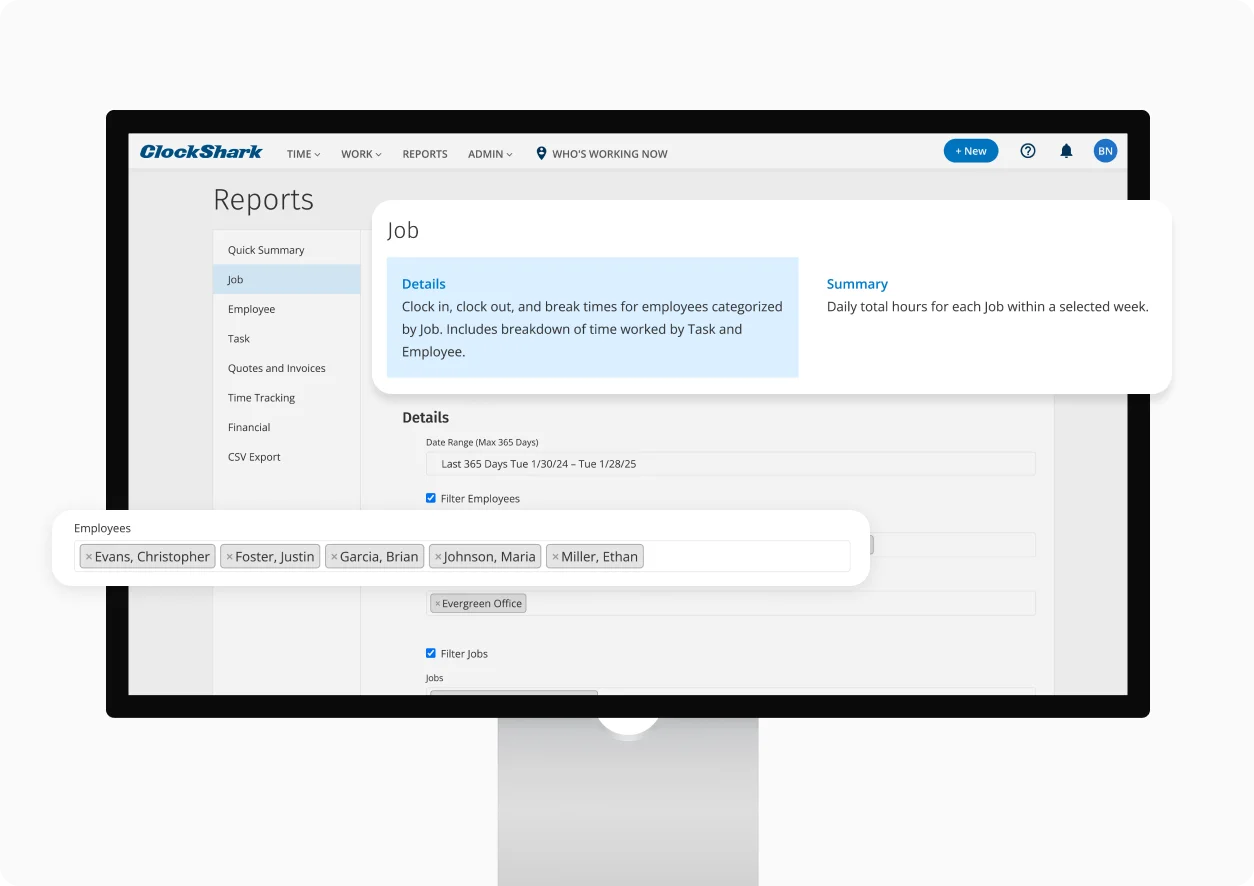
By tying time tracking to specific jobs, you can see exactly how long different pool services take, from routine cleanings to repairs and seasonal work. Over time, this insight supports better pricing and scheduling. You can even geofence around job sites to remind employees to clock in and out with the geofence time-tracking app.
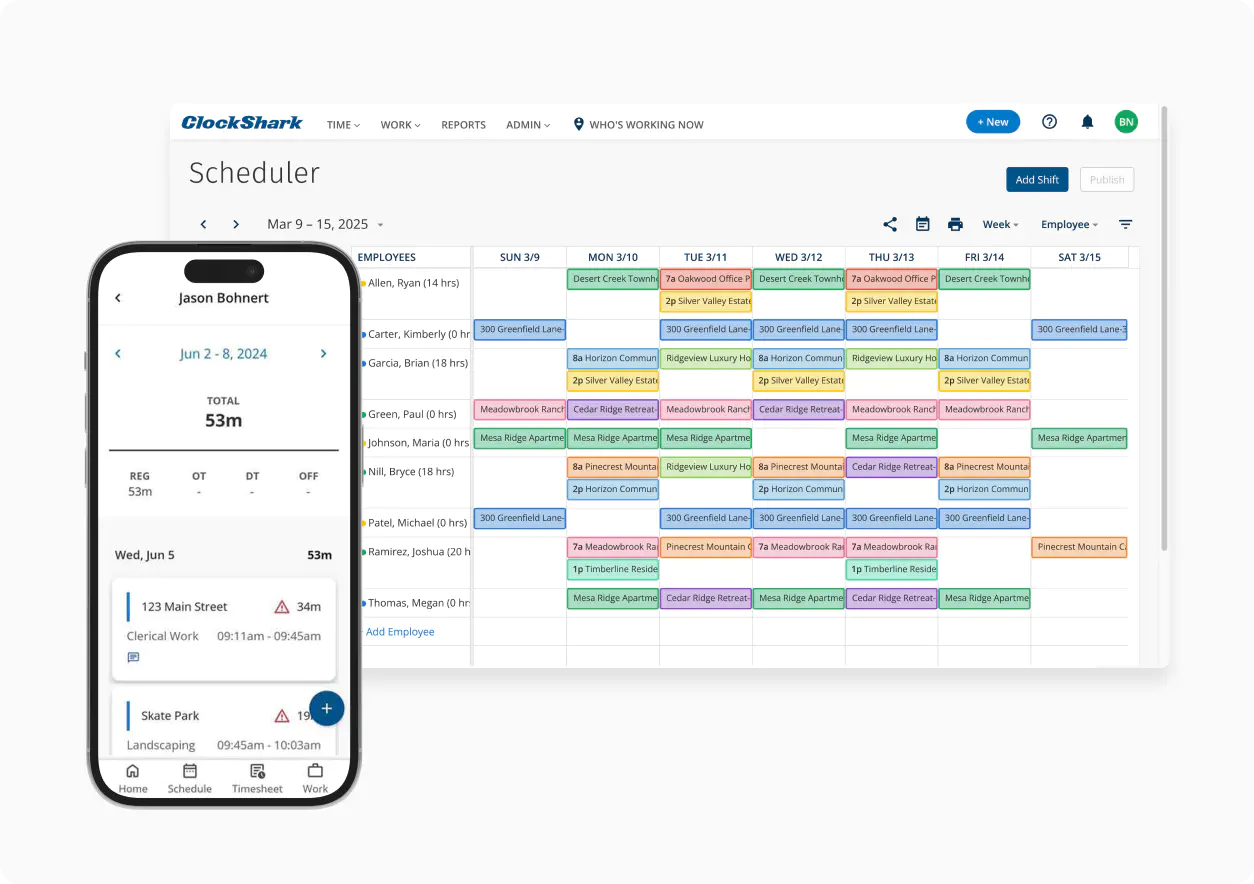
Need to adjust schedules due to weather, sick staff, or last-minute requests? Create and update shifts in seconds, keeping your crew aligned without endless phone calls.
When pay week rolls around, hours are already calculated and organized. Export timesheets directly to your payroll system and cut hours of manual work down to minutes.











No credit card required.
Toll-Free (US and Canada) 800-828-0689
United States/North America (times shown in PT)
Monday: 5 am to 5 pm
Tuesday: 5 am to 5 pm
Wednesday: 5 am to 5pm
Thursday: 5 am to 5 pm
Friday: 5 am to 5 pm
Saturday: closed
Sunday: closed
Toll-Free (US and Canada) 800-828-0689
United States/North America (times shown in PT)
Monday: 5 am to 5 pm
Tuesday: 5 am to 5 pm
Wednesday: 5 am to 5pm
Thursday: 5 am to 5 pm
Friday: 5 am to 5 pm
Saturday: closed
Sunday: closed