How we picked these tools
We focused on industry-leading time clocks with strong adoption by small teams, evaluating G2 reviews, pricing, and real-world features like mobile access, multiple locations, payroll accuracy, and compliance. These tools are highly rated and built to grow with your business.
We focused on industry-leading time clocks with strong adoption by small teams, evaluating G2 reviews, pricing, and real-world features like mobile access, multiple locations, payroll accuracy, and compliance. These tools are highly rated and built to grow with your business.
TL;DR
Tool | Best For | Indicative Pricing | G2 Rating |
|---|---|---|---|
| ~$40/mo + ~$9/user (Pricing) | 311 reviews | |
| ~$20/mo + ~$8/user (Pricing) | 1437 reviews | |
| ~$3.50–$6/user/mo (Pricing) | 659 reviews | |
| Free – | 215 reviews | |
| ~$4.49/user/mo + base fee (Pricing) | 341 reviews | |
| Free – | 192 reviews | |
| Free – | 300 reviews | |
| ~$2.50–$4/user/mo (Pricing) | 357 reviews |
The 8 Best Time Clock for Small Businesses
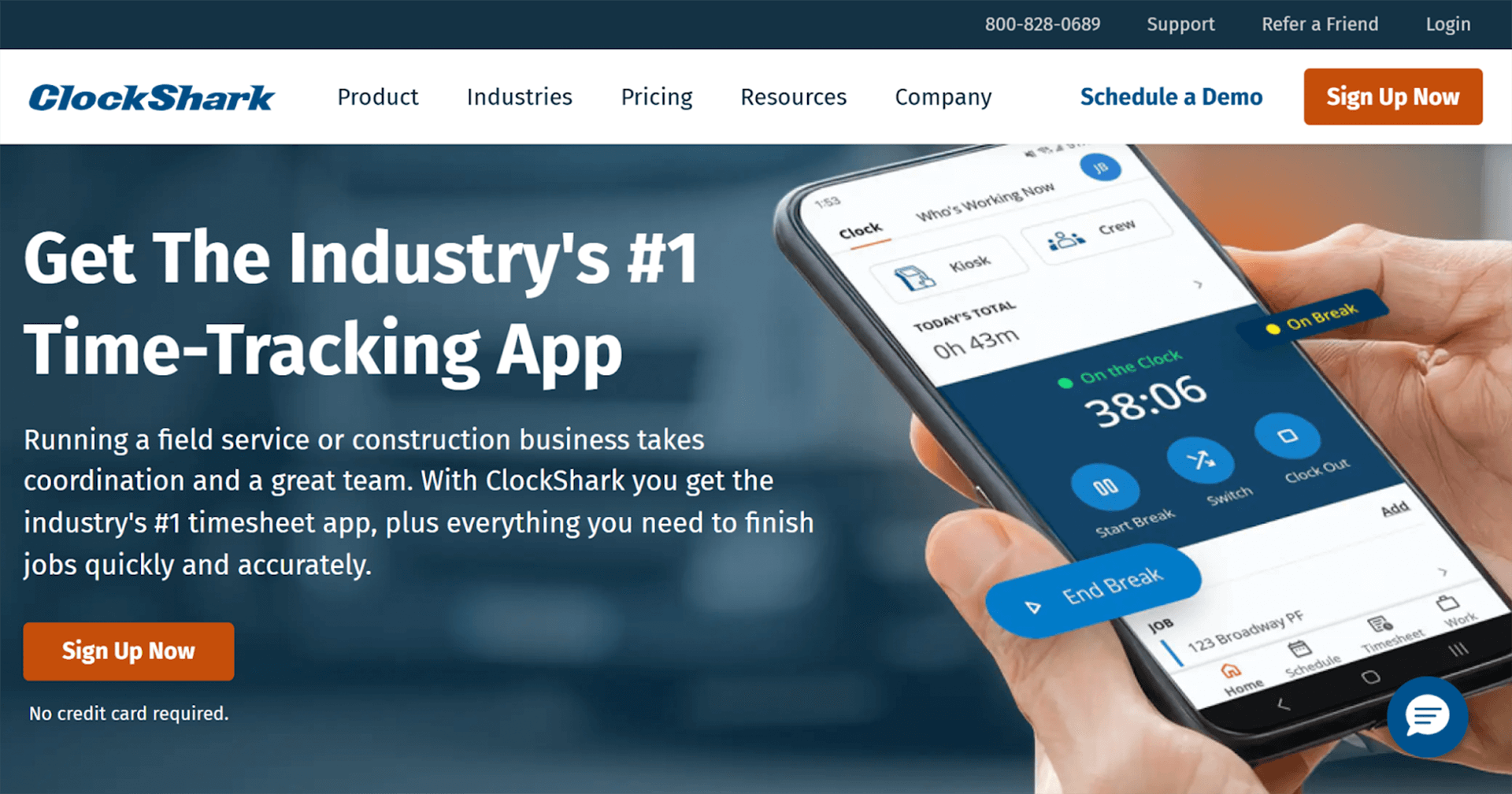
ClockShark is an all-in-one field service time tracking and workforce management platform that delivers one of the best time clocks for small and mid-sized businesses, particularly those with mobile and field-based teams. The platform is purpose-built for trades and service industries such as construction, electrical, plumbing, HVAC, landscaping, painting, and cleaning services.
ClockShark focuses on accurate, real-time time tracking while also providing essential workflow tools that help businesses reduce payroll errors, prevent time theft, and improve job costing visibility.
Key features
GPS Time Clock that accurately captures when and where work happens, including travel time between job sites, to support precise time tracking and dispute resolution.
Job & Task Codes that let teams log time against specific jobs, tasks, or cost codes, giving owners clearer visibility into labor costs and job profitability.
Drag-and-drop Scheduling that allows managers to quickly adjust schedules for urgent plumbing jobs or last-minute changes, with automatic push notifications sent to field staff.
Kiosk Time Clock that enables secure team clock-ins at depots or shared locations using PINs or facial recognition, reducing missed punches and buddy punching.
PTO & Leave Management that automatically accrues, tracks, and reports time off to help maintain compliance and simplify payroll processing.
QuickBooks Integration that syncs time, job, and employee data directly with payroll and accounting, eliminating double entry and reducing payroll errors.
Job Management tools that bring documents, job notes, and photos into one central place, improving communication between office teams and field crews.
Pros
- Designed specifically for trades and field teams
- Excellent GPS accuracy and scheduling features
- Integrates easily with accounting/payroll systems
Cons
- Some learning curve for admin setup
- Higher cost tiers for advanced reporting
Pricing
- Standard: $40 USD per month + $9 per user/month
- Pro: $60 USD per month + $11 per user/month
- 14-day free trial and demo available
"Clockshark is a great time-tracking software. With Clockshark, jobs, tasks, and employees are all easily added. There is GPS tracking to ensure that employees are clocking in at the correct time and at the correct job."
QuickBooks Time
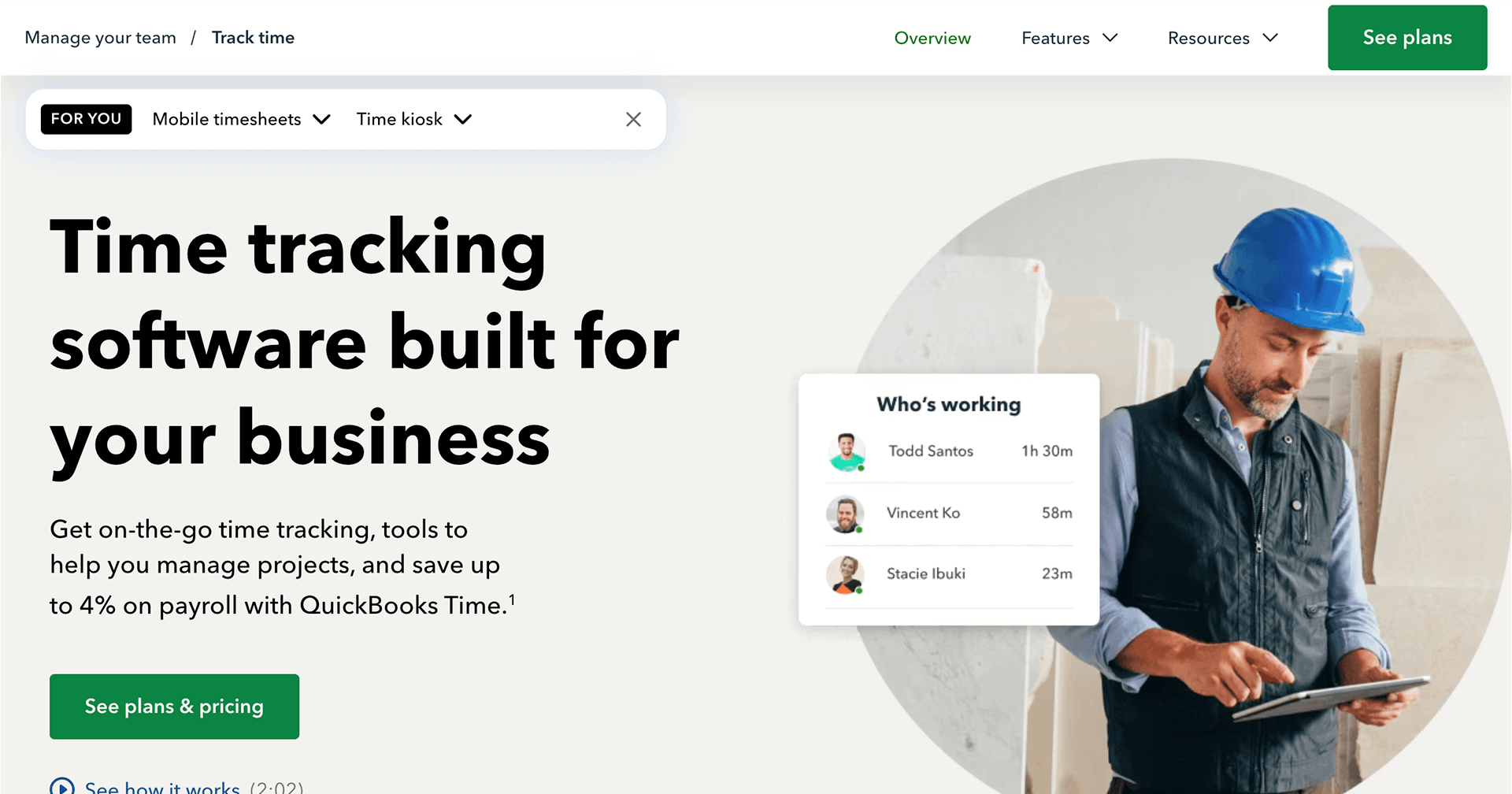
QuickBooks Time (formerly TSheets) is a time tracking and attendance solution designed for small businesses that already use QuickBooks for payroll and accounting. It helps teams track hours accurately while keeping payroll data in sync, reducing manual entry and reconciliation work.
As part of the QuickBooks ecosystem, QuickBooks Time focuses on simplifying payroll workflows rather than job-site management. It’s a strong option for businesses that prioritise accounting integration over field-specific controls.
Key features
Mobile time tracking
GPS tracking and geofencing
Project and job costing
Employee scheduling
Overtime and PTO tracking
Native QuickBooks integration
Pros
- Keeps payroll and accounting in sync
- Reliable mobile time tracking with GPS and geofencing
- Strong project and job costing for service-based work
Cons
- Pricing increases quickly as user count grows
- Limited field service–specific workflows
- Interface can feel complex for non-QuickBooks users
Pricing
- Premium: $20 per month, plus $8 per user/month
- Elite: $40 per month, plus $10 per user/month
- 30-day free trial available.
"I really appreciate QuickBooks Time for its efficiency in tracking employees' absences and time ins. This feature is incredibly beneficial for keeping accurate records and simplifies the process when payroll is processed, ensuring that everything is easy to record and verify."
Deputy
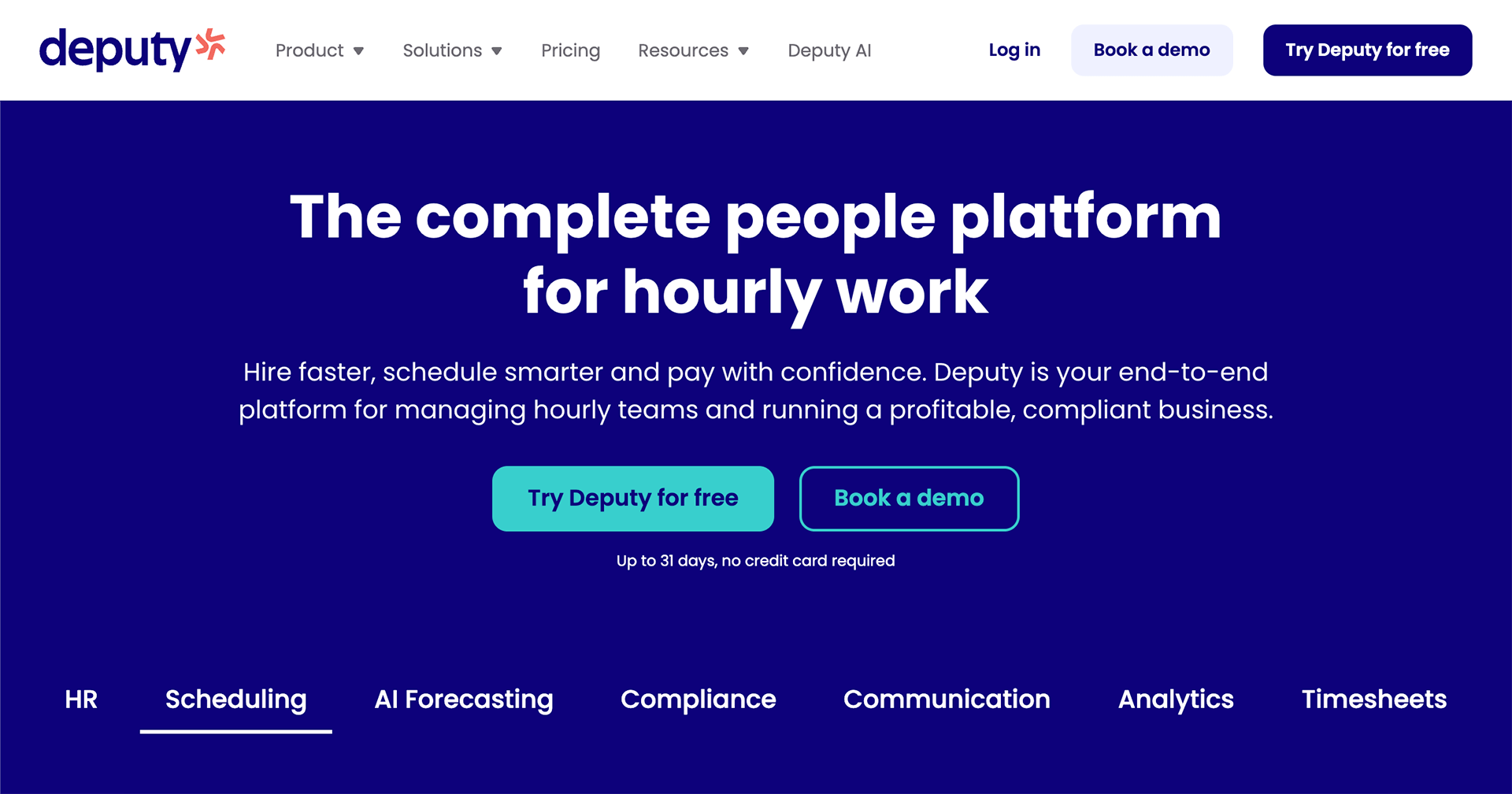
Key features
Employee scheduling and shift swaps
Mobile clock-in and clock-out
Timesheet approvals
Labour law compliance tools
Payroll integrations
Leave and availability management
Pros
- Excellent scheduling, shift swaps, and availability management
- Strong labor compliance and overtime controls
- Scales well for multi-location, shift-based teams
Cons
- Not designed for job-site or trade-based workflows
- Job costing and field tracking are limited
- Can require multiple modules for full functionality
Pricing
- Scheduling: $3.50 per user/month
- Time and Attendance: $3.50 per user/month
- Premium (includes both packages and Reporting): $6 per user/month
- They offer a free trial for up to 31 days.
"I appreciate Deputy for being user-friendly, which makes managing employee schedules much easier. It effectively takes care of notifying employees about their schedules, which is incredibly helpful. I find it easy to set up and use all the features it offers."
Homebase
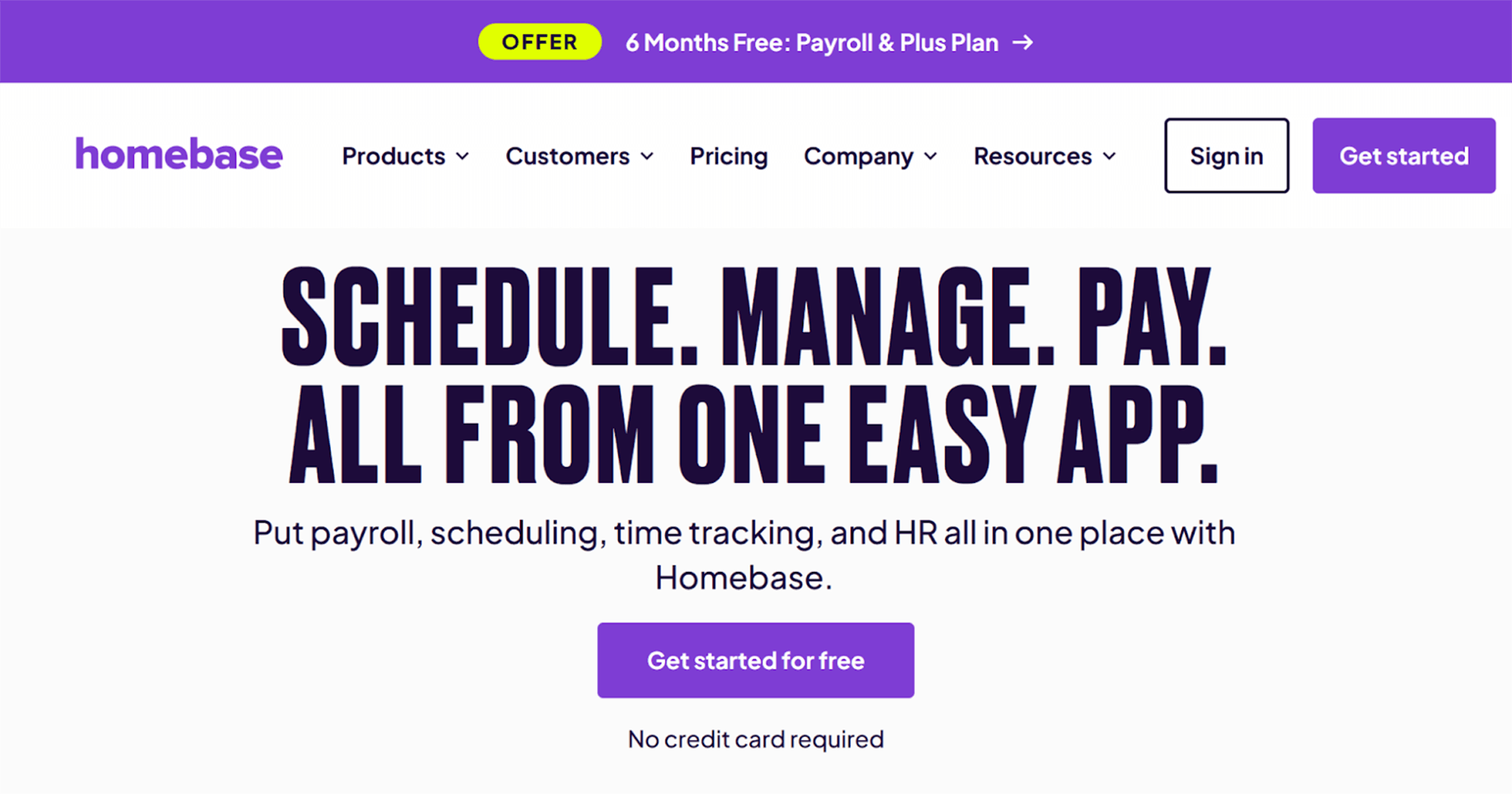
Homebase is a time clock and scheduling platform designed for hourly workers in retail, hospitality, and local service businesses. It offers a free entry-level plan, making it attractive for very small teams or single-location businesses.
Homebase is best suited for fixed locations and shift-based work rather than mobile or field-based teams.
Key features
Free time clock and scheduling
Mobile and tablet clock-in
Employee messaging
Payroll integrations (QuickBooks, ADP, Gusto)
Basic reporting and labour tracking
Pros
- Free plan available for very small teams
- Easy scheduling and time tracking for hourly workers
- Simple setup with built-in messaging
Cons
- Best suited to single-location businesses
- Limited support for mobile or field crews
- Reporting and analytics are fairly basic
Pricing
- Basic: $0 per month, 1 location, up to 20 employees. Homebase’s free option for small businesses to demo and use.
- Essentials: $30 per location per month, unlimited employees.
- Plus: $70 per location per month, unlimited employees.
- All-in-One: $120 per location per month, unlimited employees.
"I use Homebase for time clock management, and I find it to be an awesome tool for this purpose. It lets me easily see my scheduled days worked, estimate my earnings, and fill out HR documents. I like how smooth and snappy the app is on my phone; it's very efficient."
Buddy Punch
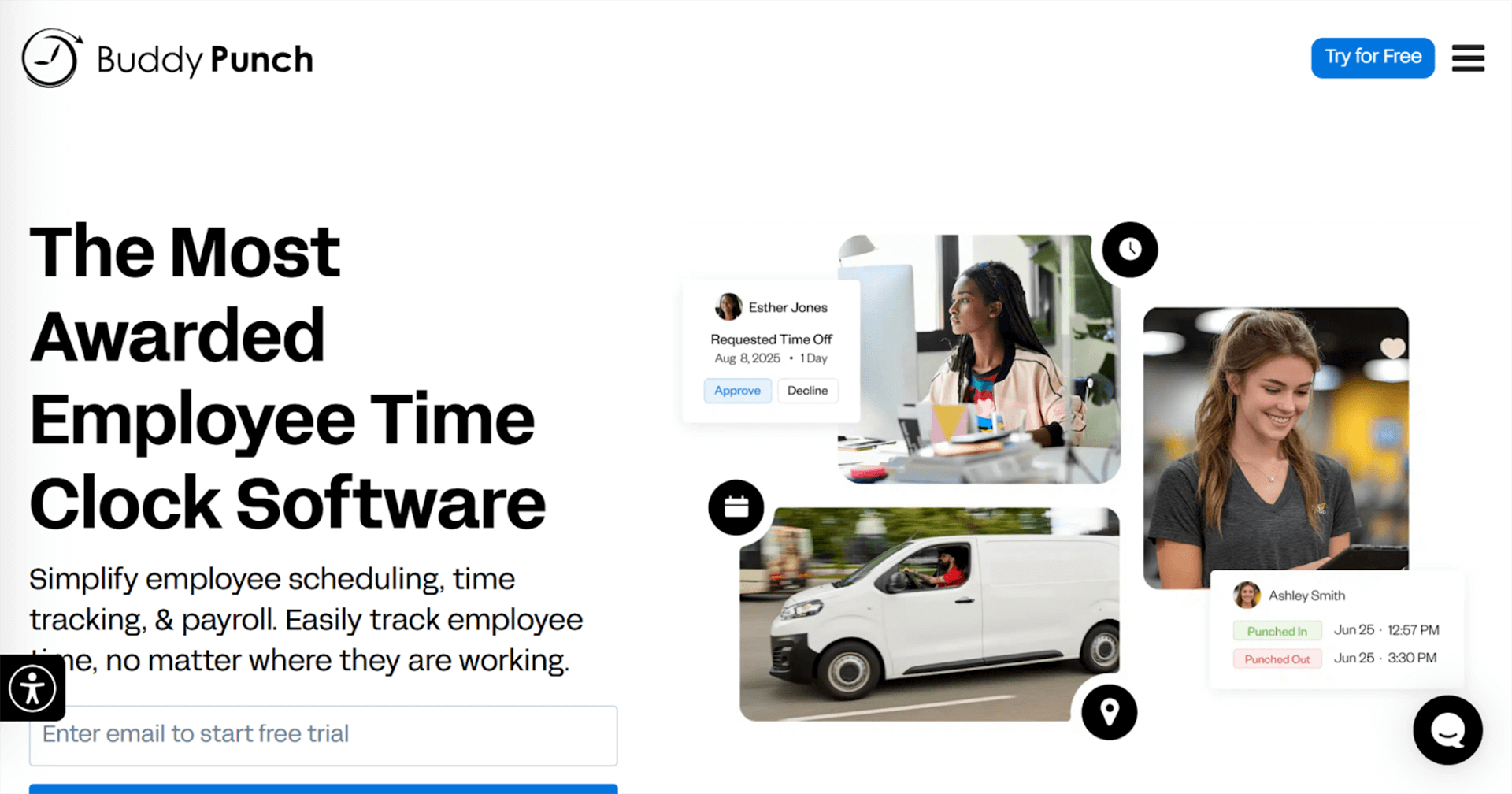
Buddy Punch is a time clock system focused on preventing time theft and improving accountability. It offers multiple clock-in methods, making it flexible for office, hybrid, and light field teams.
It’s especially popular with small businesses that want anti-buddy-punching controls without the complexity of a full field service platform.
Key features
Multiple clock-in options (PIN, QR code, photo verification)
GPS tracking and geofencing
Overtime alerts
PTO tracking and approvals
Payroll integrations (QuickBooks, ADP, Paychex)
Pros
- Strong anti-buddy-punching controls (PIN, QR, photo)
- Flexible clock-in options for office or hybrid teams
- Easy-to-use approvals and PTO tracking
Cons
- Base monthly fee increases total cost
- Not built for complex job-site management
- Limited job costing and field service features
Pricing
- Starter: $4.49 per user/per month + $19 base fee per month
- Pro: $5.99 per user/per month + $19 base fee per month
- Enterprise: $10.99 per user/per month + $19 base fee per month
"Buddy Punch has made my entire payroll process much simpler, thanks to its clear instructions, user-friendly interface, and reliable stability that I have quickly come to depend on."
Clockify
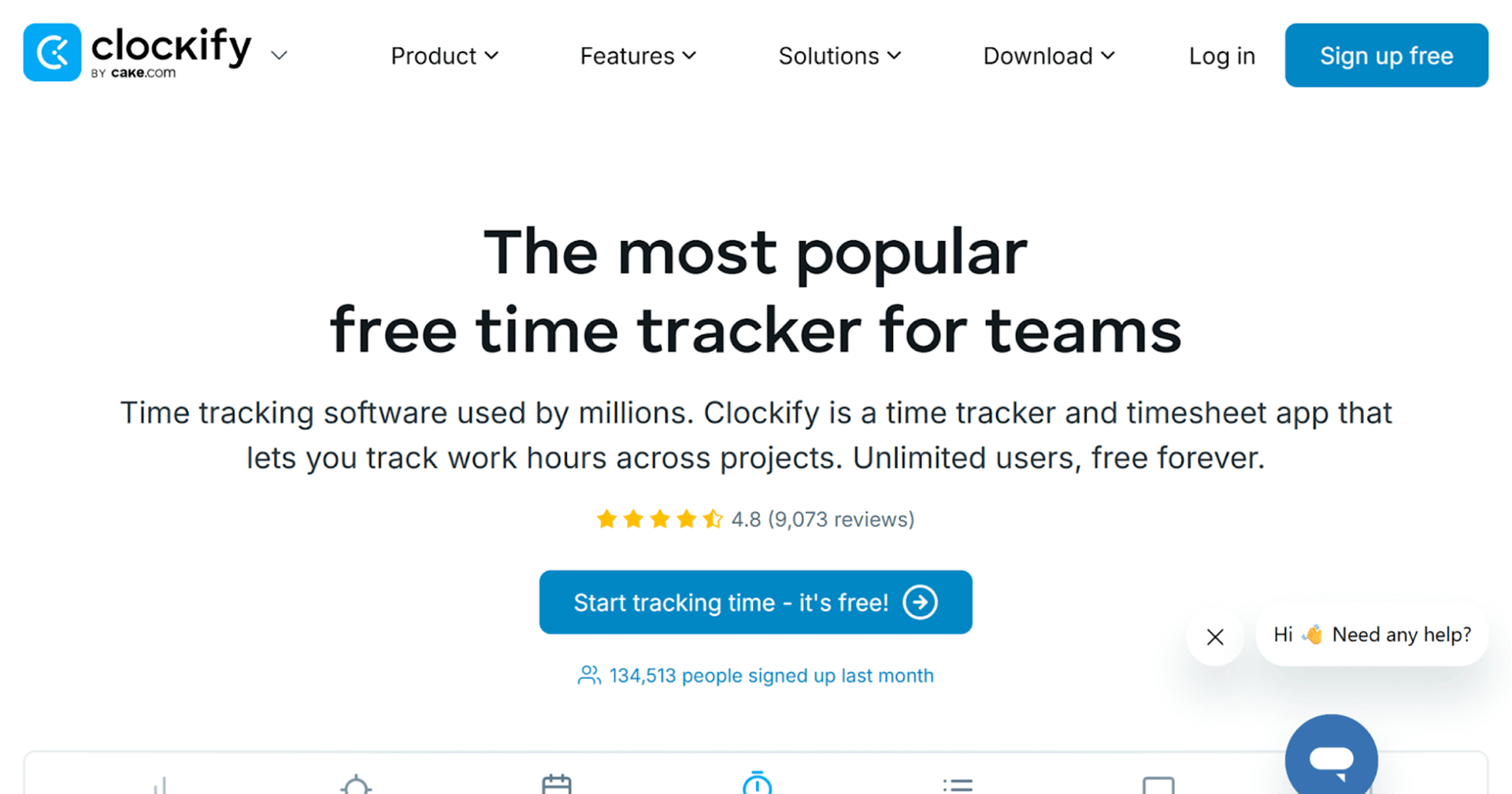
Clockify is a popular free time tracking tool used by freelancers, startups, and small teams. It focuses on basic time tracking and reporting rather than compliance or workforce controls.
While powerful for its price, Clockify lacks advanced features like enforced approvals, job-site verification, and anti-time-theft safeguards unless upgraded.
Key features
Unlimited free time tracking
Project-based tracking
Billable hours and invoicing
Basic reporting
Team management tools
Pros
- Generous free plan with unlimited time tracking
- Simple project-based tracking and reporting
- Works well for freelancers and small teams
Cons
- Lacks enforced approvals on free tiers
- Minimal compliance and anti-fraud controls
- Not ideal for payroll-driven or field service use
Pricing
- Standard: $5.49 per seat/month billed annually (or $6.99 if billed monthly)
- Pro: $7.99 per seat/month billed annually (or $9.99 if billed monthly)
- Enterprise: $11.99 per seat/month billed annually (or $14.99 if billed monthly)
"This is a straight out of box turnkey solution. Creating new clients and projects is extremely straightforward, which makes it much easier to handle reporting for billing and invoicing."
Jibble
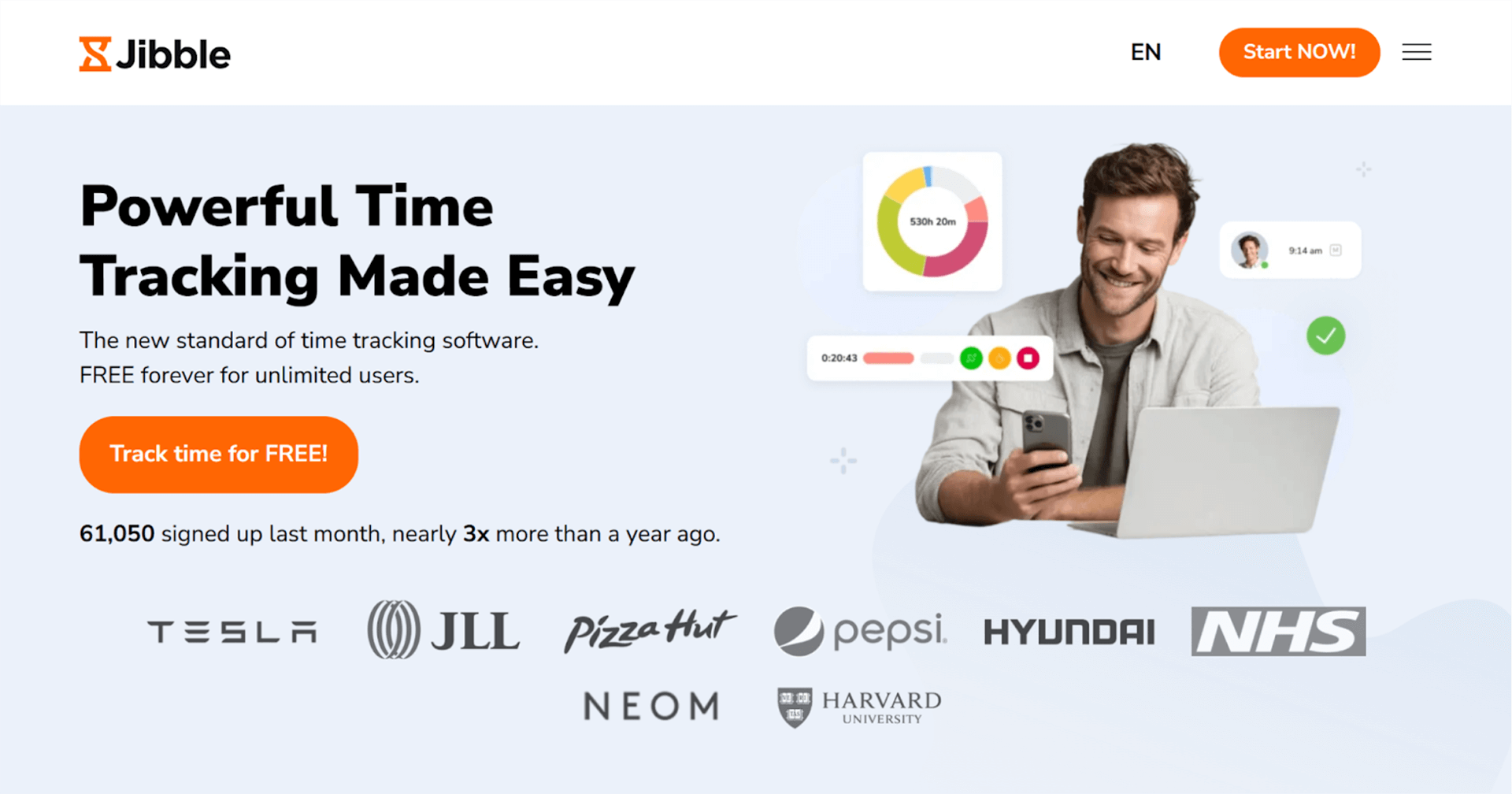
Jibble is a cloud-based time tracking and attendance platform designed for small businesses that want a simple, affordable way to track employee hours. It’s particularly popular with teams looking for a strong free plan combined with mobile time tracking and basic GPS verification.
Jibble focuses on ease of use and accessibility rather than deep job costing or field service workflows. It works well for businesses that need reliable time tracking and attendance data without complex setup or higher software costs.
Key features
Mobile time tracking
GPS tracking and location history
Facial recognition and selfie clock-ins
Attendance and timesheet management
Overtime tracking
Basic reporting and exports
Pros
- Strong free plan with GPS and facial recognition
- Easy setup and intuitive mobile apps
- Affordable paid plans for growing teams
Cons
- Limited job costing and task-level tracking
- Reporting depth is basic
- Not purpose-built for field service operations
Pricing
- Free plan available
- Premium: $3.49 per user/per month
- Ultimate: $6.99 per user/per month
“What I appreciate most about Jibble is how effortless it makes tracking time and attendance. The interface is straightforward and user-friendly, allowing me to clock in or out in just a moment.”
When I Work
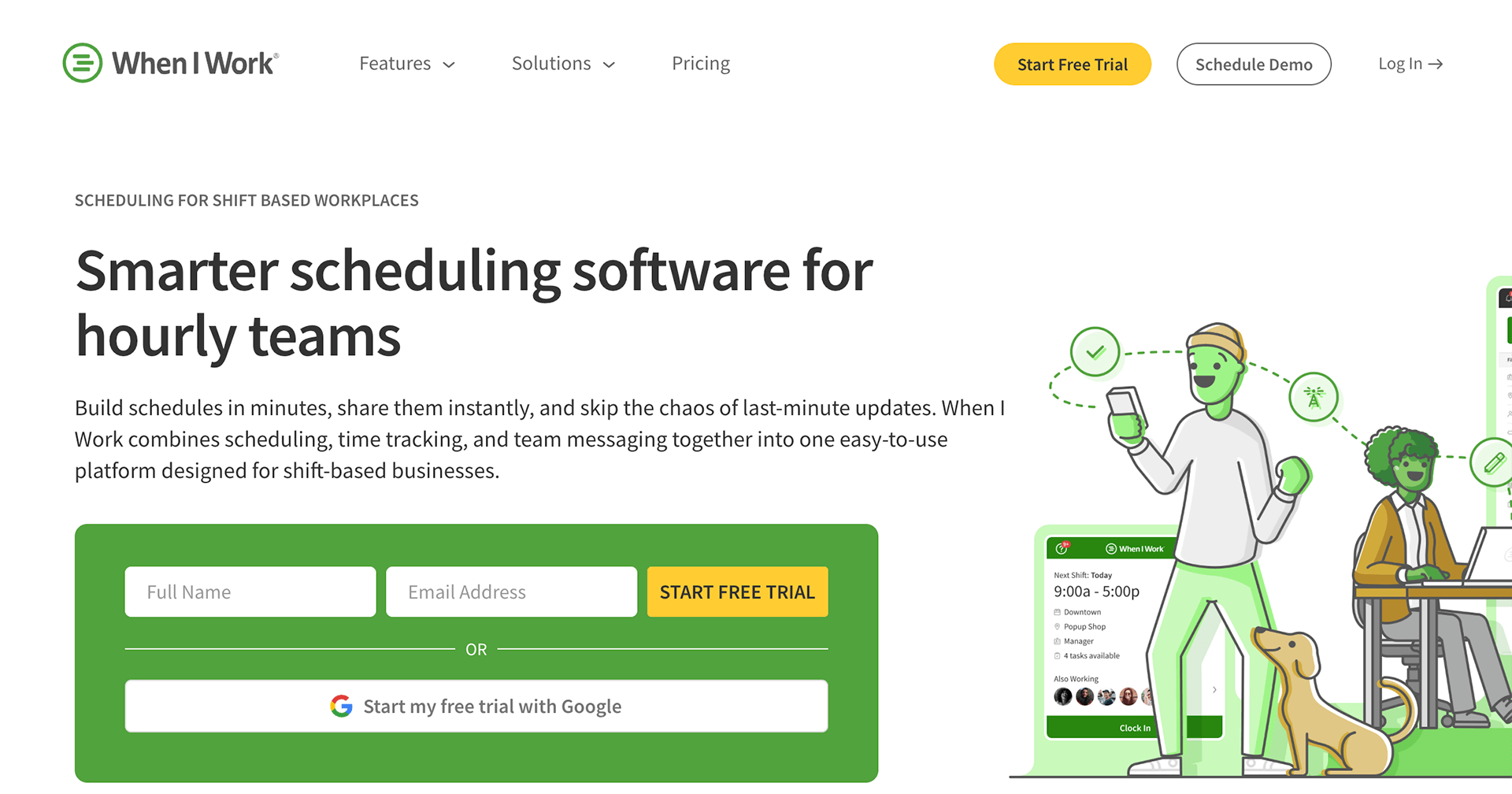
When I Work is a workforce management and time tracking platform designed to help small businesses streamline scheduling and attendance. It combines easy-to-use employee scheduling with mobile time clock features, making it a strong choice for teams that need scheduling and time tracking in one place. While it isn’t as focused on deep field service features like job costing, its intuitive design and robust mobile app make it a good fit for businesses with hourly staff, retail teams, and service crews that don’t require heavy job-site tracking.
Key features
Mobile time clock with clock-in/out
Employee scheduling and shift swaps
Time card approvals and overtime alerts
Push notifications and schedule reminders
Payroll integrations (QuickBooks, ADP, Gusto, and others)
Basic reporting and export tools
Pros
- Excellent scheduling and shift management tools
- Simple mobile time clock with reminders
- Affordable pricing for small, hourly teams
Cons
- Limited support for job-site tracking
- Not designed for detailed job costing
- Reporting is less robust than field-focused tools
Pricing
- Starter: $2.50 USD per user/month
- Pro: $5. USD per user/month
- Enterprise pricing available for larger teams
“It has been useful to synchronize the employee scheduling of the staff. It is great to track the time and offers reminders that are easy to understand. We use When I Work frequently.”
Choosing the Right Time Clock for Your Small Business
With so many time clock systems for small business on the market, narrowing down the right option can feel overwhelming. The key is to focus on what matters most for your operation, your team size, how and where work happens, your budget, and which features will actually save time and reduce errors.
Free time tracking tools can be a useful starting point, especially for very small teams. But as your business grows and crews start working across multiple locations, more advanced capabilities, like GPS verification, time approvals, detailed reporting, and payroll integrations, become critical to staying accurate and compliant. This is where a purpose-built solution like ClockShark adds real value. Designed specifically for field service and trade businesses, ClockShark helps you prevent time theft, reduce payroll errors, and gain clear visibility into labor costs, without increasing administrative workload.
Ready to try the best time clock for small businesses?
Start your Clockshark free trial.